🎉 New 6.22 Release: Subtitles Are Here!

Starting today, you can now add subtitles to any video you upload to Playlister. NO extra tools, NO extra cost. This new premium feature is being made completely free for all Playlister customers to celebrate the launch. 🙌
How It Works:
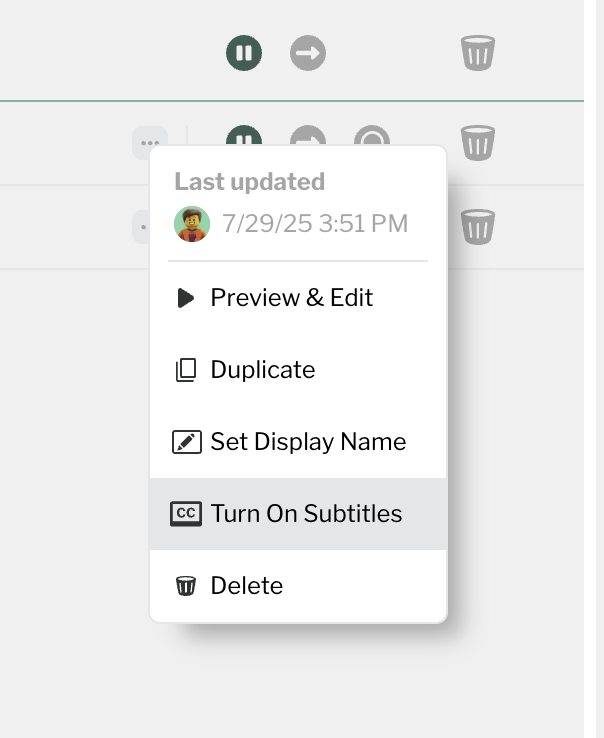
- Just open the Playlist Manager
- Click the three-dot context menu next to any uploaded video
- Select “Turn On Subtitles”
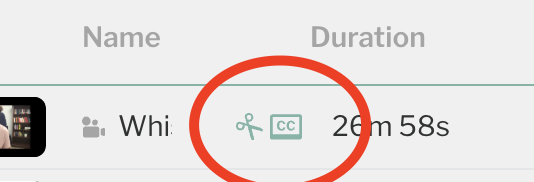
- Once enabled, you’ll see the new mint-colored “CC” icon appear next to the file ✅
Requirements:
To display subtitles on your classroom TVs, make sure you’ve updated to the latest version of the Playlister Screen App (v6.21) on your Apple TVs. Subtitles help make your content more accessible — for children with hearing challenges, volunteers who speak English as a second language, or in noisy classrooms where clarity is crucial.
PRO TIP:
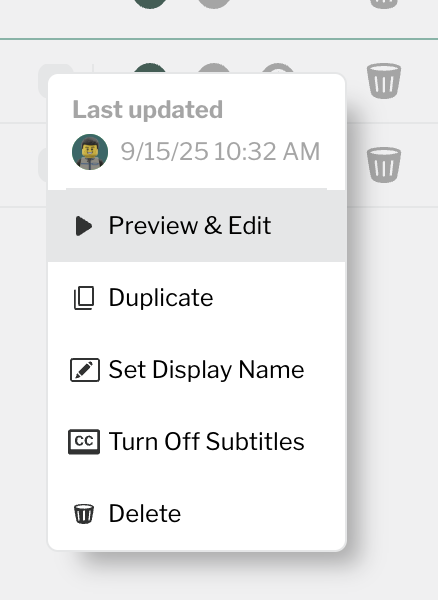
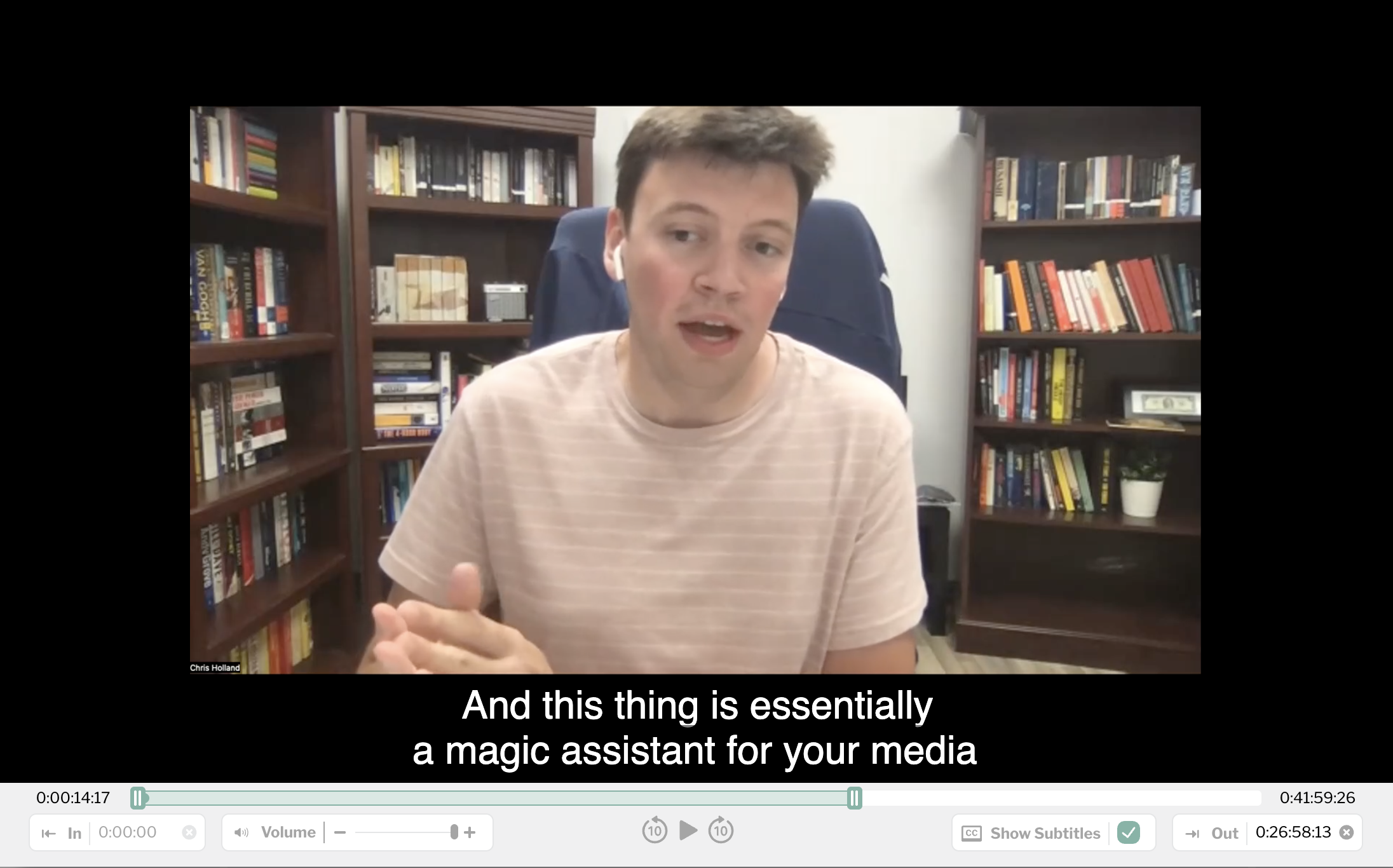
Use Preview & Edit to check out your subtitles in the Playlist Manager Preview player
-
Official comment
You are welcome! Please post feedback as you start to use it :-)
-

Thank you for this Premium Feature!
0 -
This is an impressive and powerful feature. It works quickly and seamlessly all without leaving Playlister to use 3rd party software and then bring the footage back into Playlister anymore! One of our hour long videos was ready within a minute of turning subtitles on. I'd say it is 90-95% accurate, It does get some words slightly wrong. I like the semi - transparent black box with rounded edges to increase contrast and legibility. It also seems to work with Spanish Audio too.
We are going to trial it with our ASL & Spanish gatherings.
My main feedback is that sometimes it had 3 lines on screen and my eyes adjusted vertically more than I would like them too to follow along. It would be nice if the first line of text was always in the same vertical height spot regardless if the closed caption is 1, 2 or 3 lines.
It also appears to not display any Closed Caption text during singing or when music is playing in the background.0 -
Thanks so much for the thoughtful feedback, Tyler. We’re glad to hear the new subtitles feature is already saving your team time! You’re absolutely right about the music sections. We’ve noticed the same thing. Technically, our current speech model filters out background music & ambient noise to focus on clean voice tracks, which unfortunately means that sung lyrics or any spoken word over music can get skipped. We’re looking into ways to improve this. As for the three-line formatting, this should get better over time as our models improve.
Keep the feedback coming, it really helps us shape what’s next!1
Please sign in to leave a comment.
Comments
4 comments