Release 6.23 - New in Studio: Upload Your Own Graphics Without Leaving Your Flow

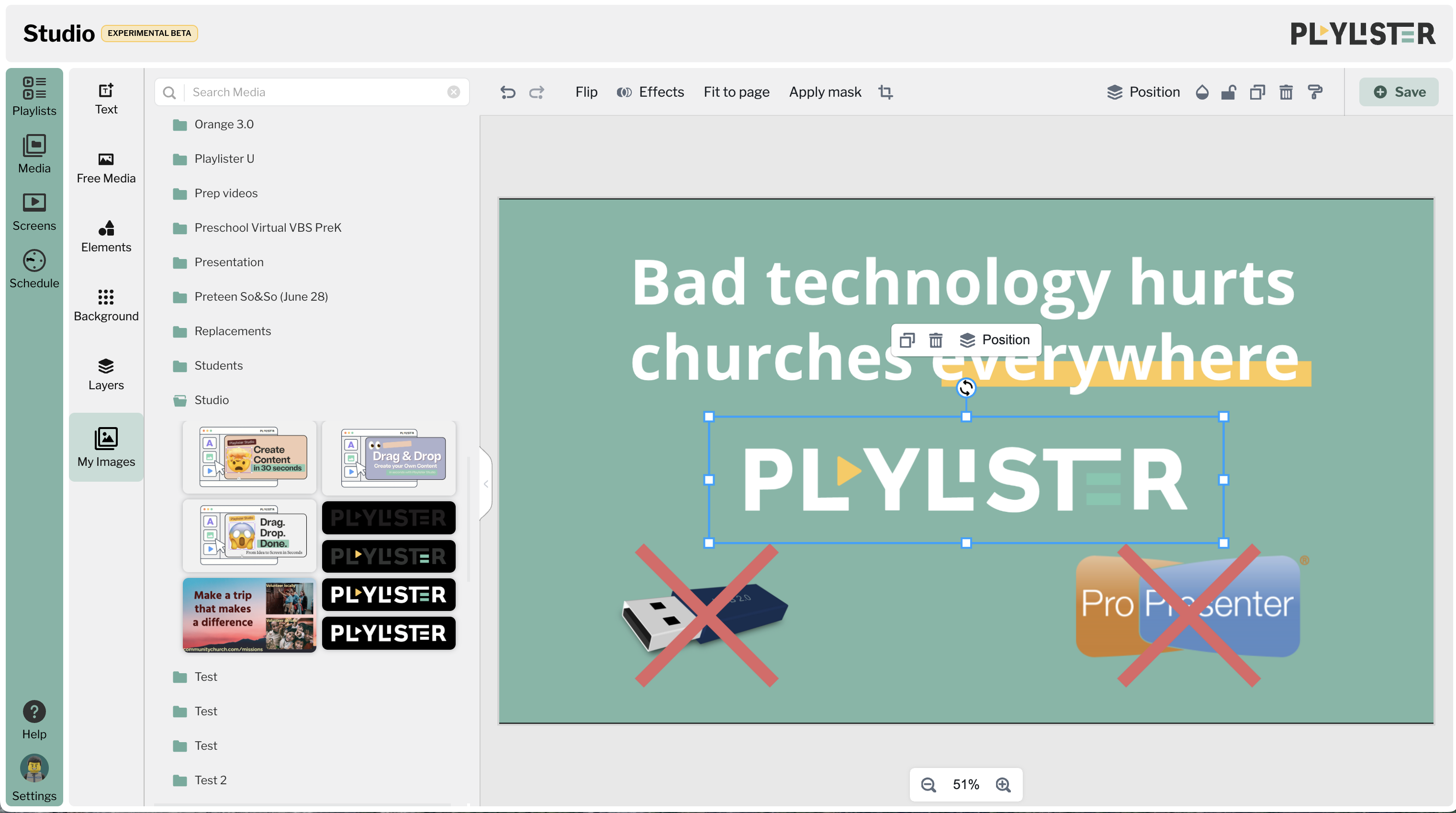
You asked, we built it: You can now upload custom images and graphics directly inside Studio. Whether you’re adding a church logo, a background photo, or a custom element to your slides, it all happens right where you’re already working.
What’s New
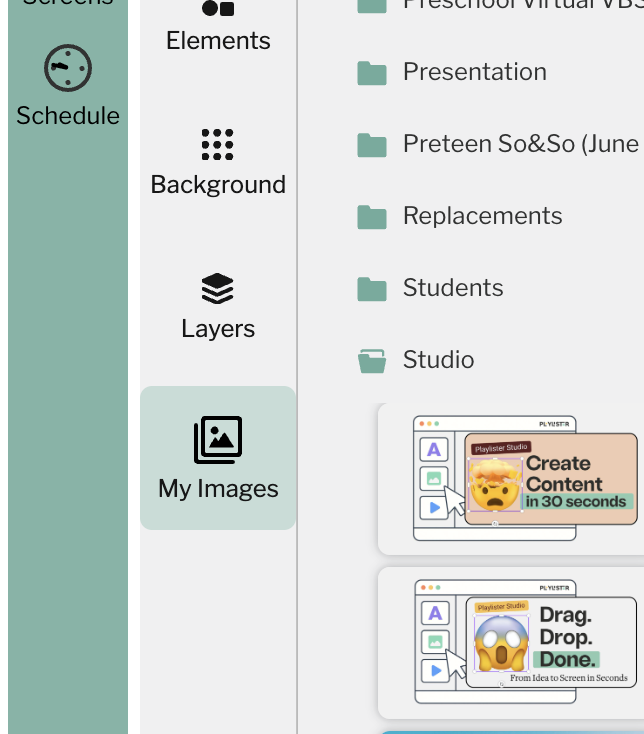
- 📥 Upload media directly from inside the Studio editor
- 🖼 Use uploaded graphics as:
- A background layer
- A resizable top-layer element
- 🔁 Uploaded files are saved to Media Manager + My Media
-
🖌 Studio uploads are marked with a unique artwork icon, so you know they’re non-standard aspect ratios and came from Studio
Why This Matters
Let’s say you’re designing a Baptism Sunday promo slide. Now, you can:
- Upload your graphic right inside Studio
- Resize and position it however you like
- Add text, tweak it, and you’re done — without switching tabs or losing momentum.
Benefits
- 🚀 Faster workflows (less tab-hopping, more designing)
- 🎯 More intuitive for new users
- 🙌 Volunteer-friendly: Upload what you need, where you need it
- 📂 Organized media: Studio uploads are easy to spot in Media Manager with the 🖌 icon
“Studio is dope but could I upload my own images right inside it?” — Cory C., QuadCity Christian Church ✅ Now you can.
1
Please sign in to leave a comment.
Comments
0 comments