Release 6.26.1: Top 100 YouTube with Channel Labels + Verified Badges

Finding the right videos just got easier & more trustworthy.
Step 1: Jump into your Media Manager > Trending on YouTube folder.
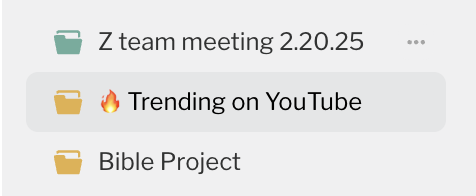
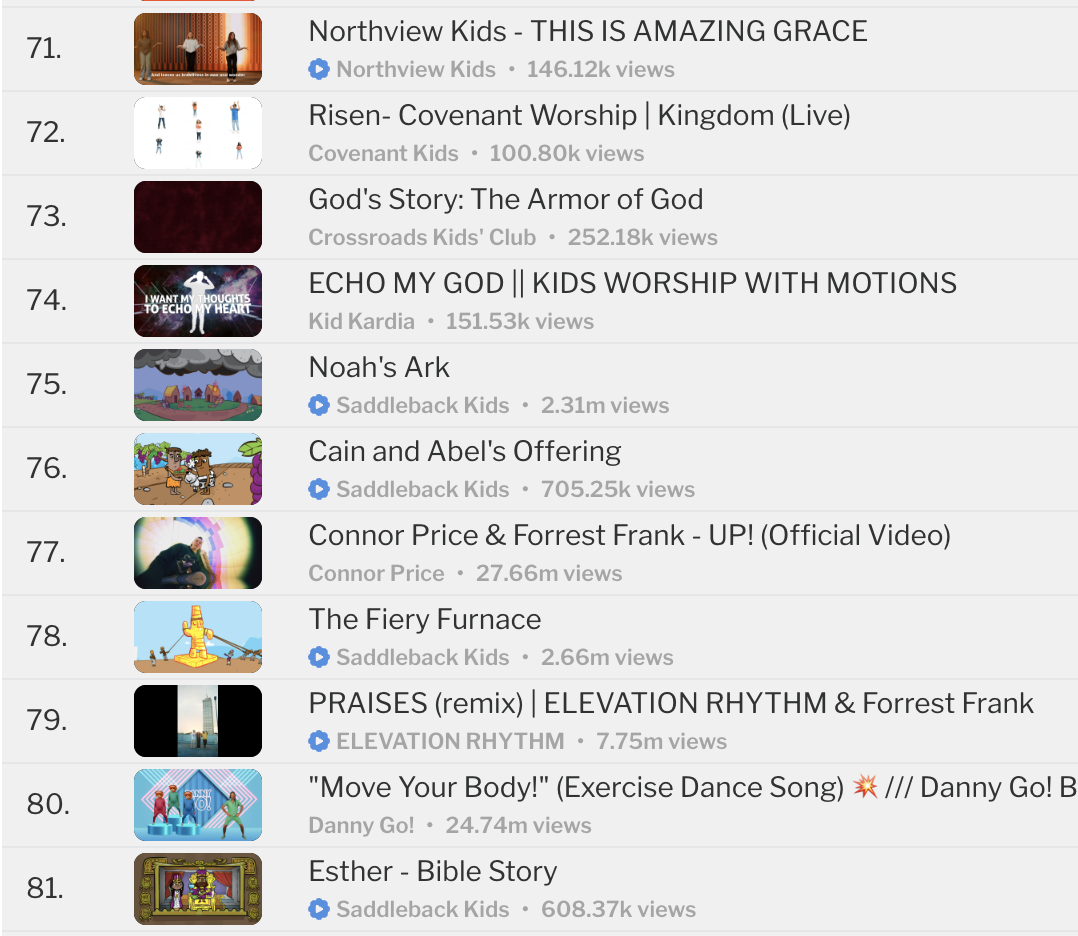
Now when you browse or import YouTube videos in Playlister, you’ll see:
✅ Channel Names
Every video now shows the official YouTube channel name, so you know exactly who published it.
✳️ Verified Badges
Videos from highly trusted channels now display a Blue Verified Checkmark.
💡 Why This Matters
Church leaders told us they want more confidence when choosing content. Now you can instantly see where a video comes from & whether it’s from a trusted source.
👀 Look for this in:
- 🔥 Trending on YouTube Imports Folder in your Media Manager
- 🔎 Search results (coming soon)
This update helps you:
- Build trust with your team
- Pick videos faster with confidence
- Discover high-quality content without second-guessing
0
Please sign in to leave a comment.
Comments
0 comments