Release 7.16 – Create Subfolders

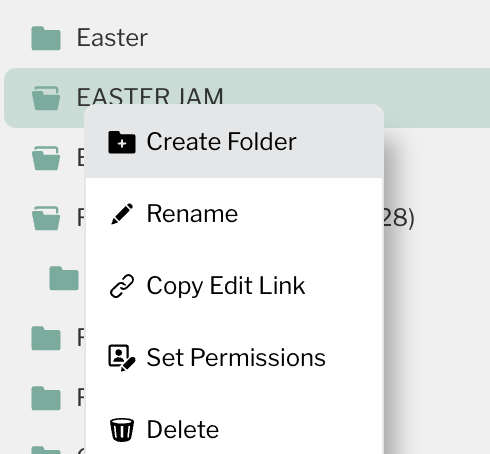
Create Subfolders from Context Menu
You can now right-click any folder in the Media Manager or Playlist Manager sidebar and create a new folder directly inside it. No more creating folders at the root level and dragging them into place.
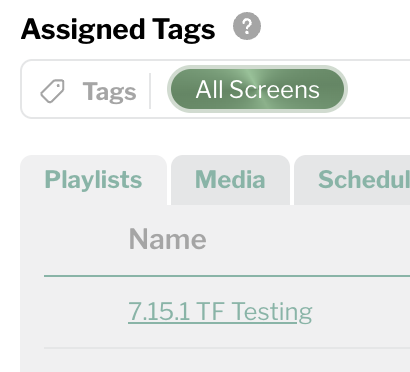
Screen Details: Clickable Links to Playlists, Media & Schedules
The Screen Details modal now links directly to your playlists, media, and scheduled events. Click any item to jump straight to it — no more hunting through your library to find what's assigned to a specific screen.
Schedule Events Limit Increased to 300
The maximum number of scheduled events has been raised from the previous limit to 300, giving you more room for complex scheduling across services, events, and campuses.
Bug Fixes
- User edit icon now responds to a single click (previously required double-click)
- Fixed an issue in the screen app where the Siri Remote center button could become unresponsive after exiting video playback
Please sign in to leave a comment.
Comments
0 comments