Move or Remove the Clock during Scrubbing through Videos

Hello, We have a countdown timer in the upper right corner of the screen during the Pre-Gathering Walk in information slide Loop video. When we pause the Video to scrub through to adjust the starting point or duration of the Walk in video by swiping left and right on the Apple TV remote to seek fast forward and rewind the hour clock pops up and unfortunately covers over top of the countdown timer, and obstructs the countdown clock that we are trying to see to adjust how long we want the Pre-Gathering content to run before a Gathering starts.
Could the hour clock appear only when the down arrow is pressed instead of when paused or when the up button is pressed? Thanks
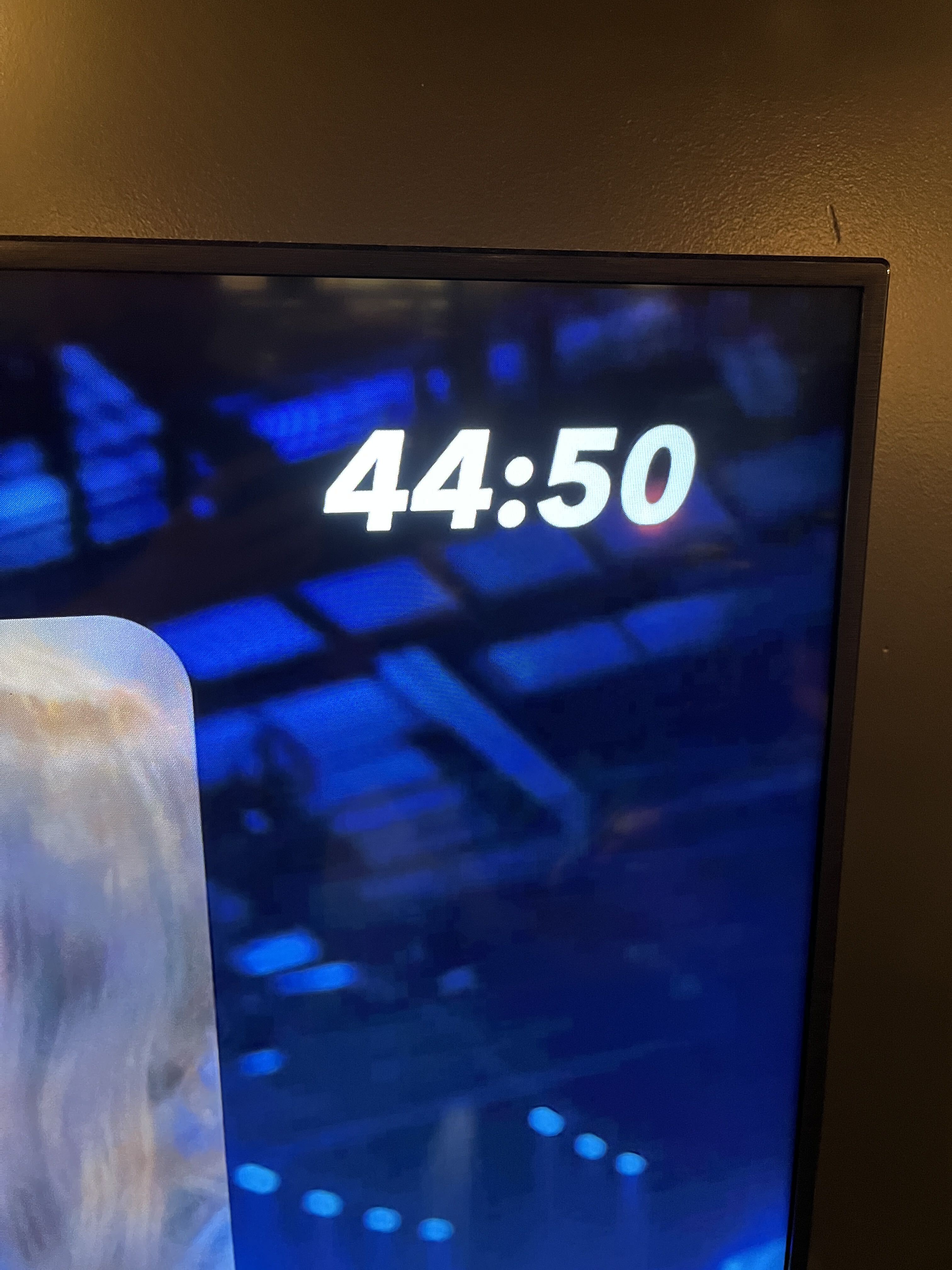
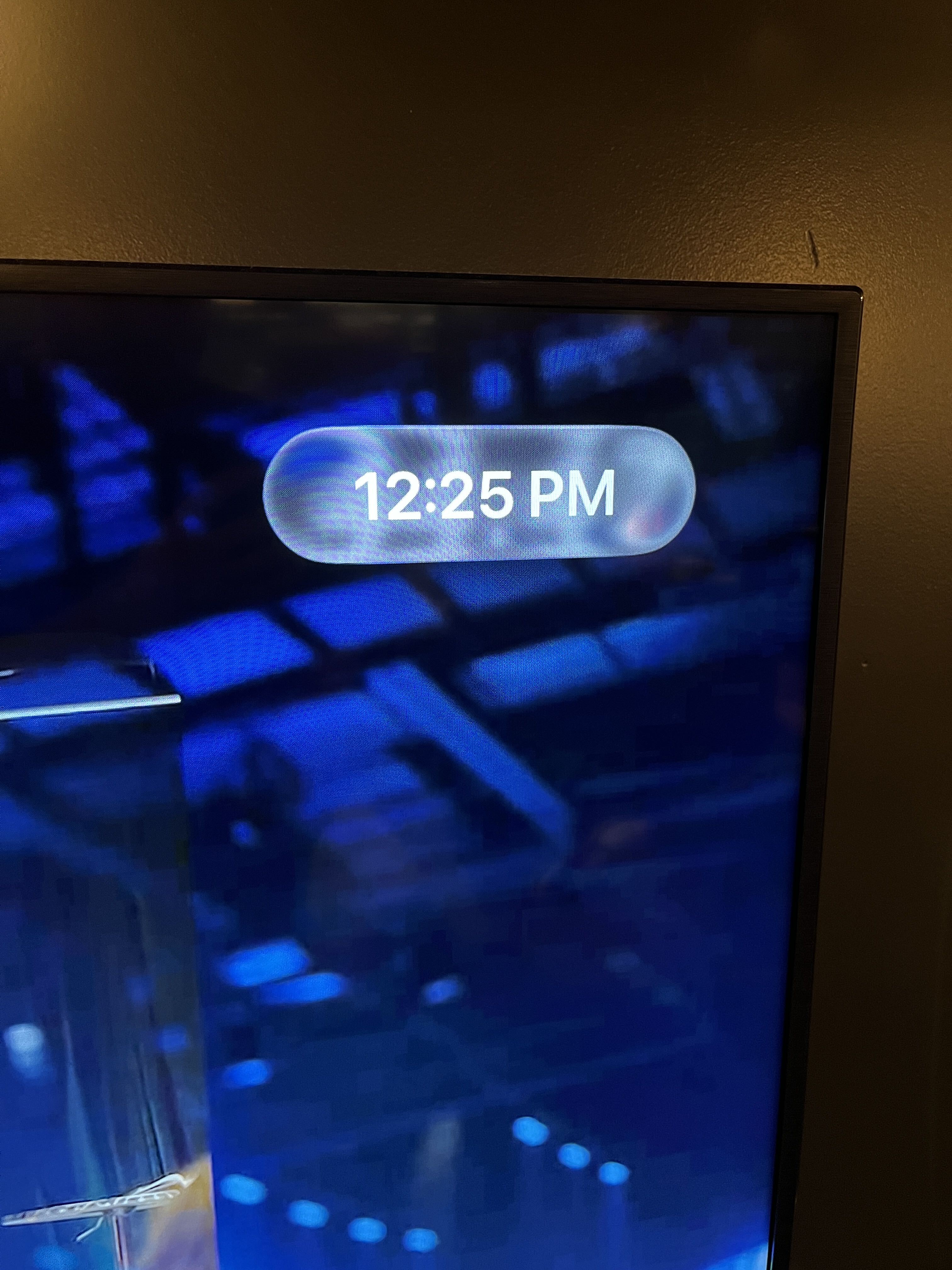
-

Oh wow 😅 I can see exactly why that would be frustrating especially when you’re trying to fine-tune the timing. I’ve passed this along to our product/dev team to take a look at the behavior. Your suggestion of only showing the hour clock when the down arrow is pressed makes sense
1
Please sign in to leave a comment.
Comments
1 comment